Open the UCT update tool
Many alumni aren't receiving UCT communications. Check your own status here.
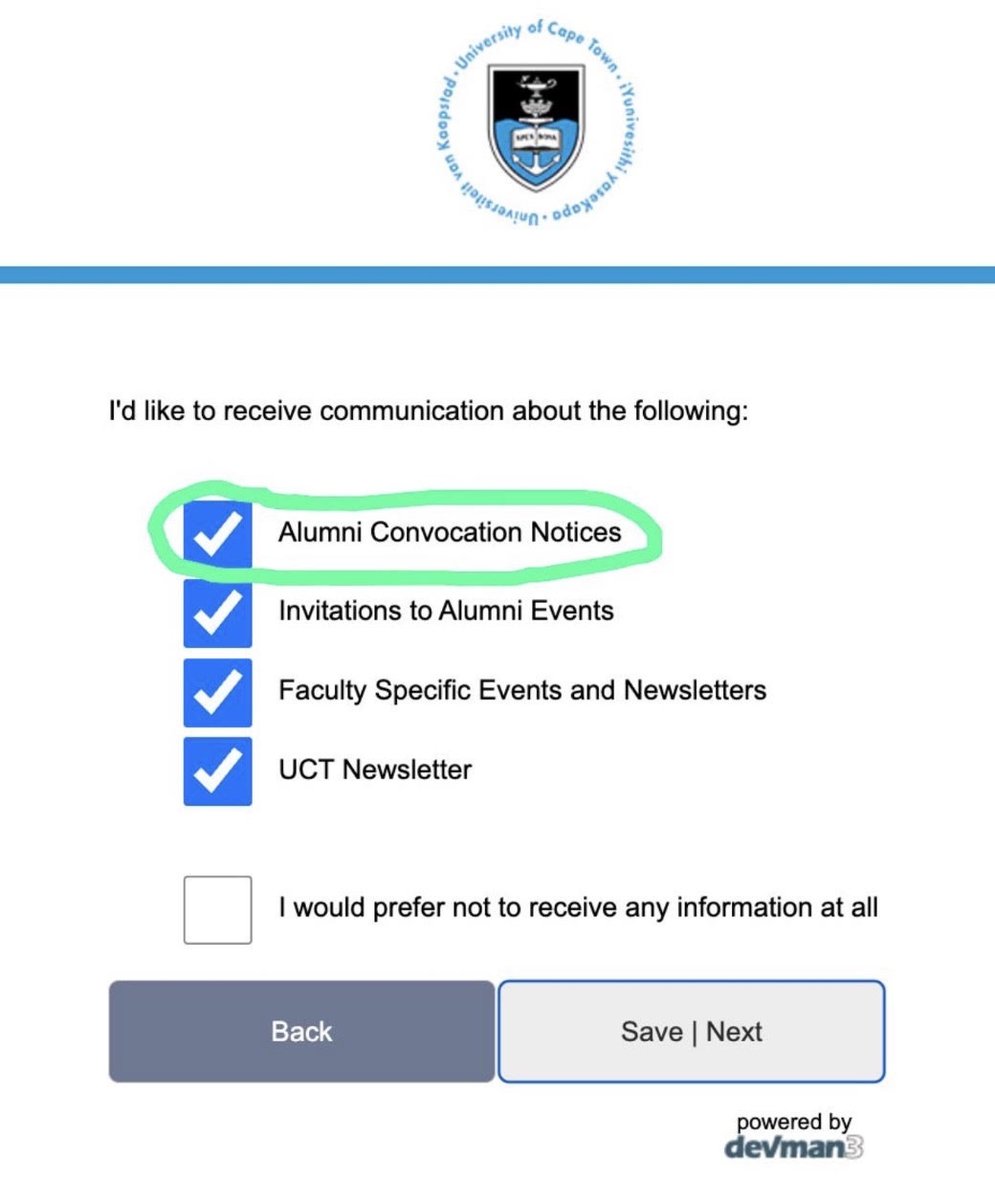
Open the update toolWithout them you can't be invited to Convocation meetings or vote. This takes about five minutes.
Many alumni aren't receiving UCT communications. Check your own status here.
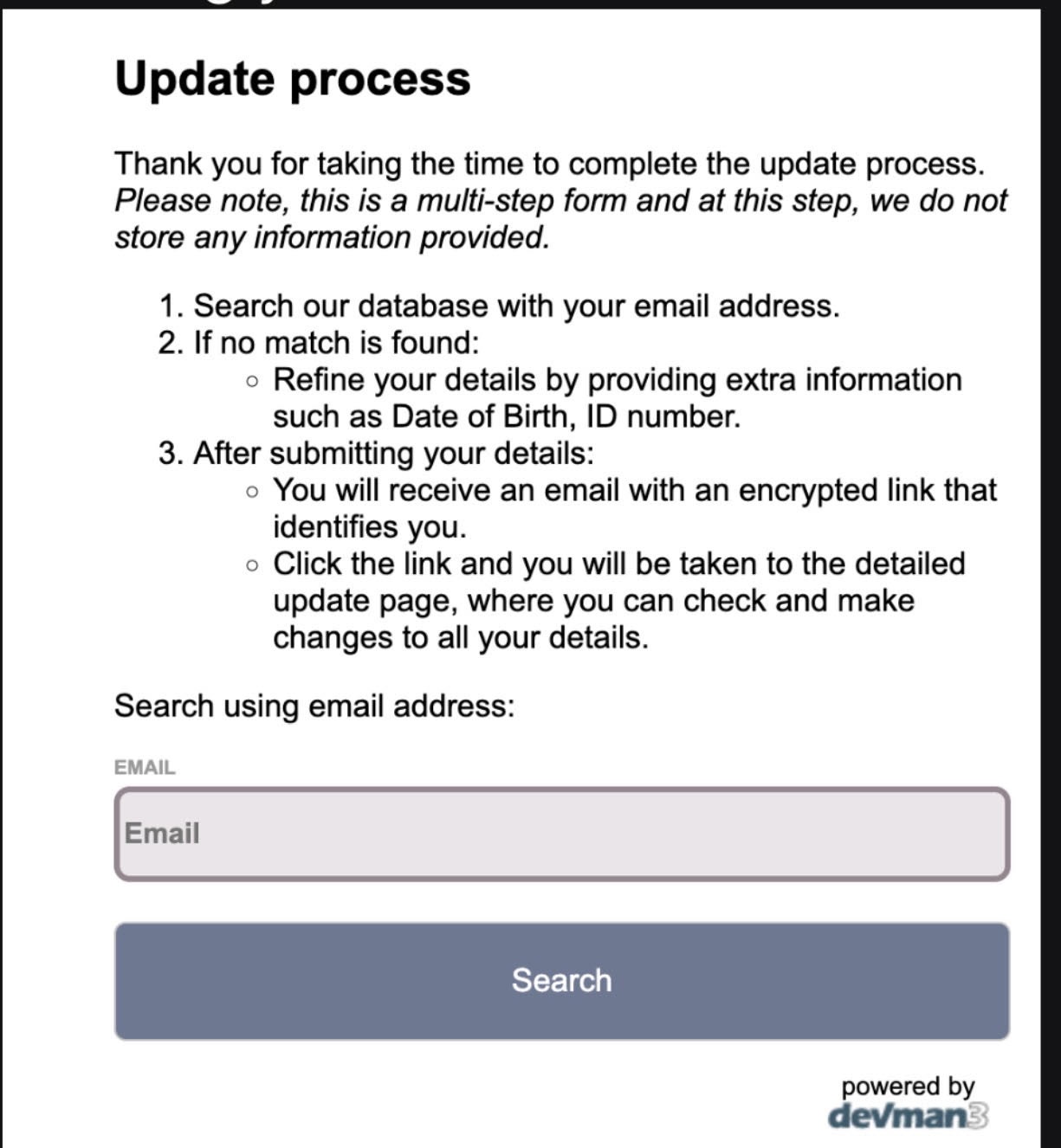
Open the update toolEnter your email address and click Search. Nothing is stored at this stage.
You'll be asked for extra details like your date of birth or ID number. Then UCT emails you a personal link.
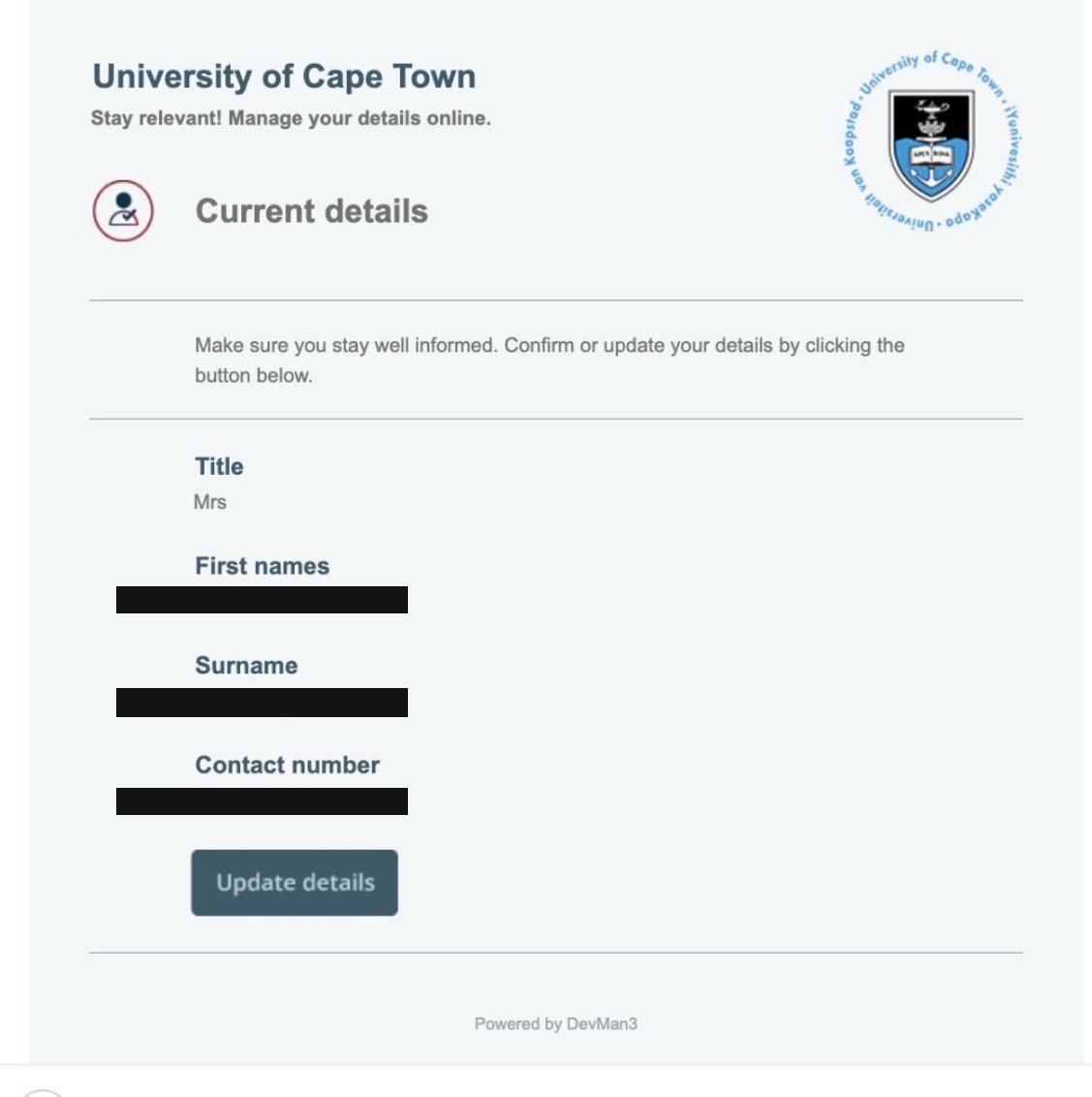
It takes you to a summary of your current details.
Even if everything looks right. This is the only way through to your preferences.
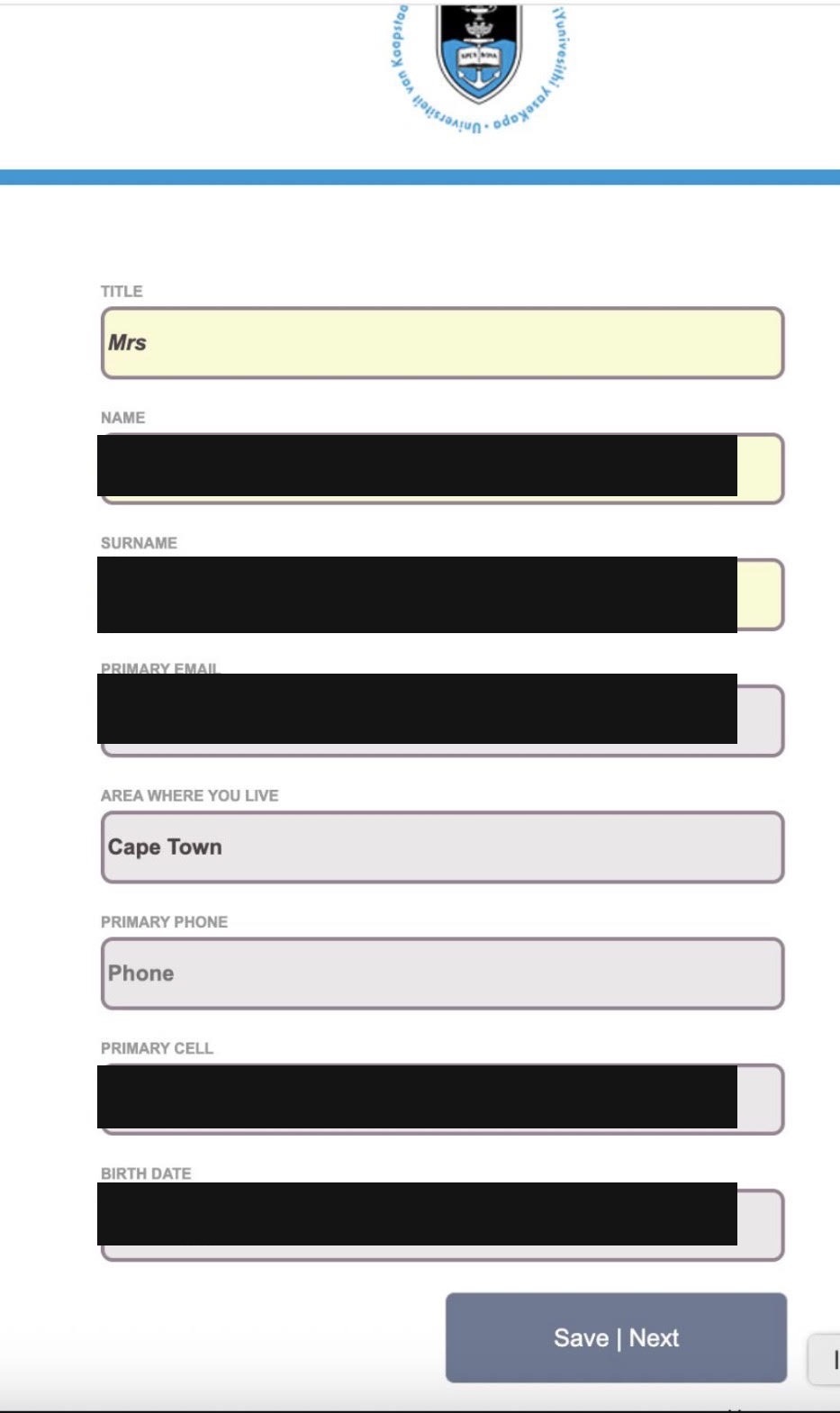
Confirm or correct your name, email, area, phone and date of birth.
This opens the Communication Preferences page.
Then click Save | Next to finish. This is the step people miss.